Three blend modes: Mix / Multiply / Darken
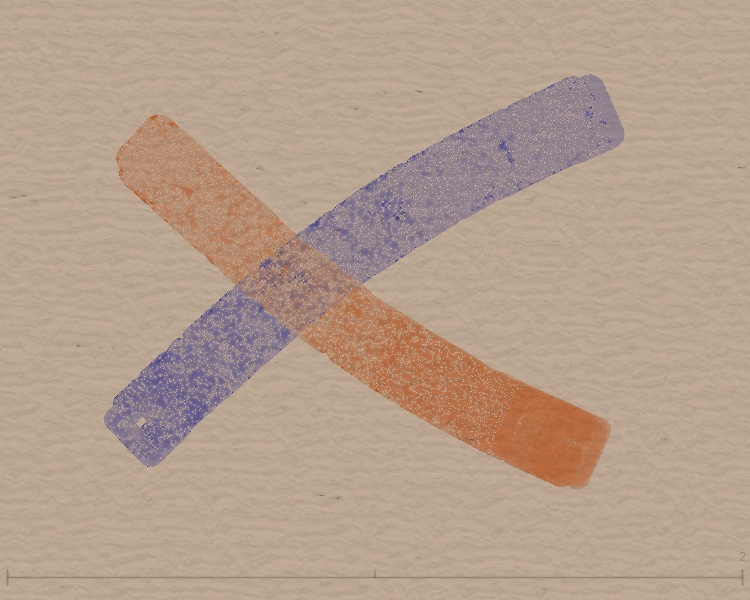
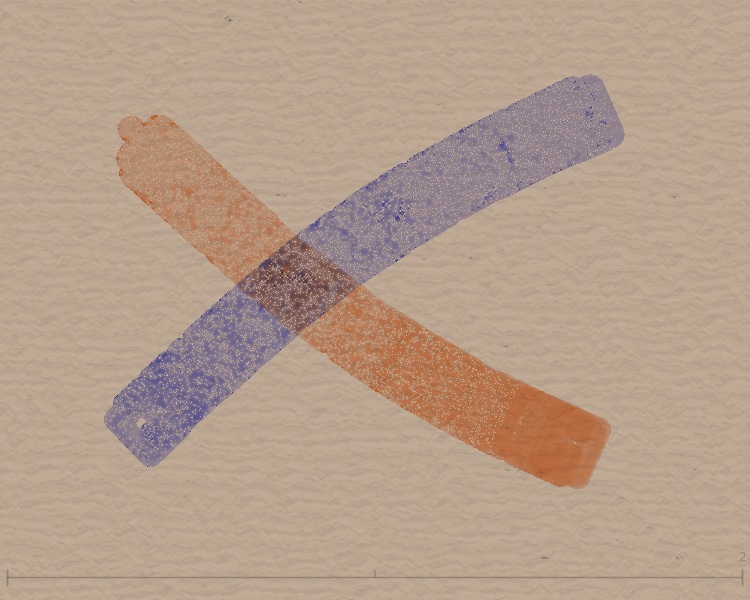
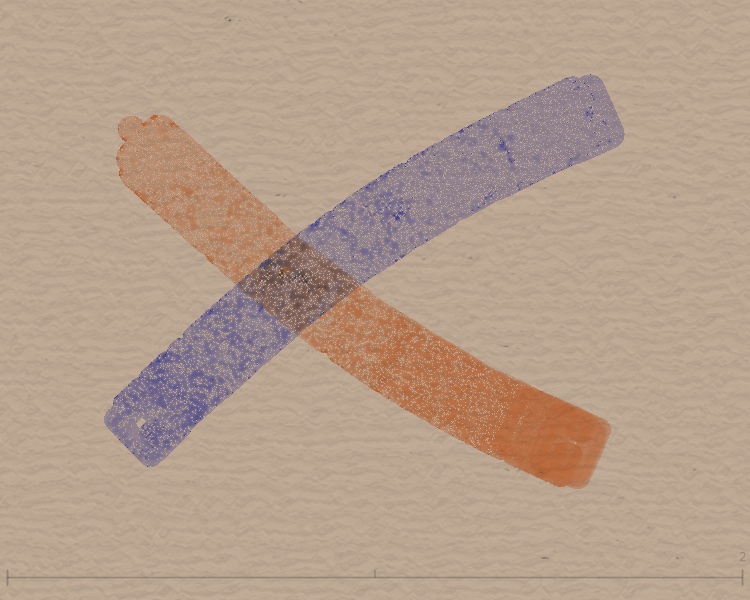
In encode.frag, keyBlendMode controls how each new stroke blends with existing color:
| Mode | keyBlendMode | Shader logic | Visual |
|---|---|---|---|
| Mix | 0 | mix(existing, new, alpha) |
Linear blend by alpha; more overlap = more saturated |
| Multiply | 1 | existing * new |
Color multiply; darker and calmer with overlap |
| Darken | 2 | min(existing, new) |
Per-channel minimum; keeps the darkest tone |
Below: orange + blue crossing, with each of the three blend modes:
Key shader code
Comparing blend effects across colors
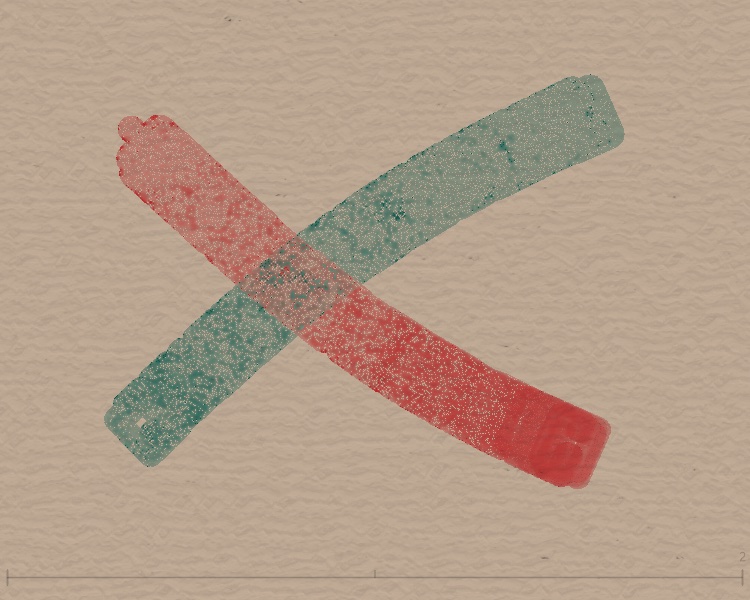
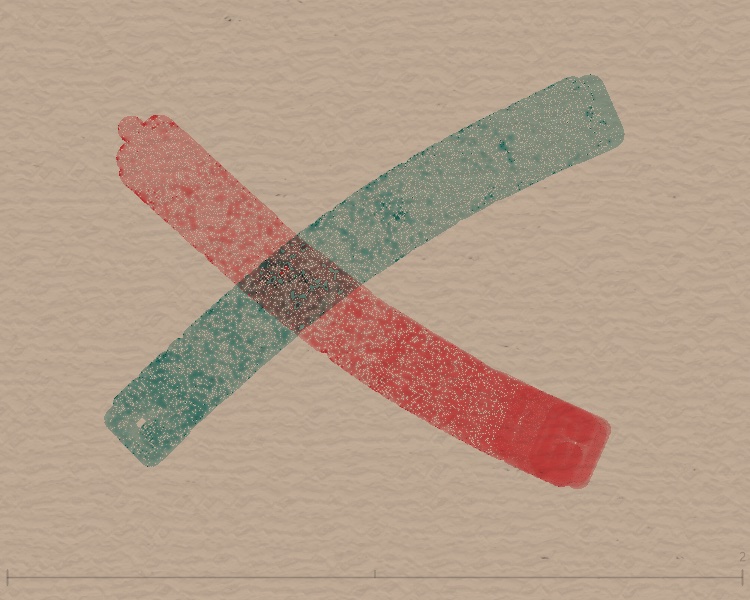
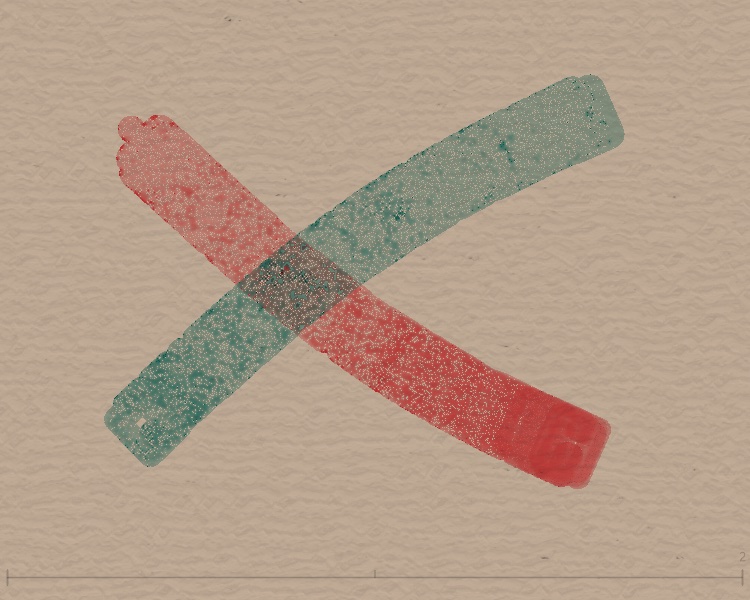
The same blend mode with different color pairs gives very different results. Below: three color pairs.
Orange + Blue
Red + Teal
Gray + Gray (reference)
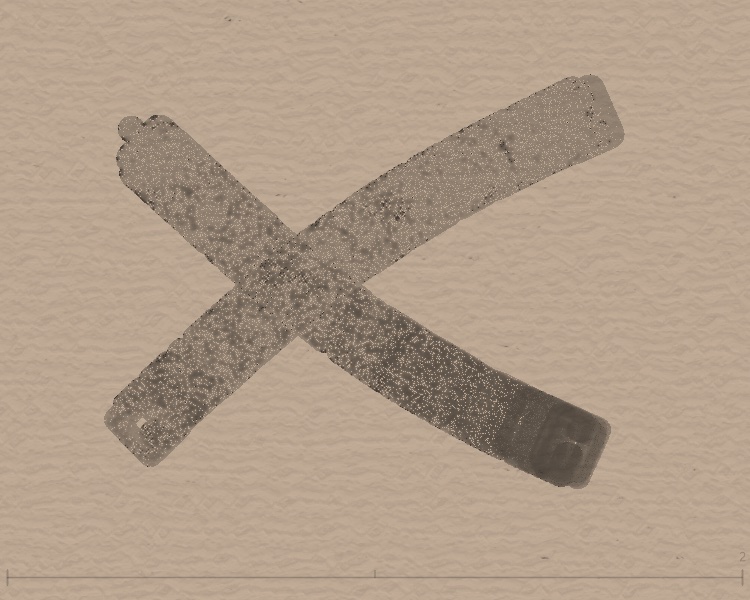


What to notice
- Complementary colors (orange/blue, red/teal) in Multiply get very dark where they overlap—RGB values multiply to small numbers.
- Darken keeps the minimum per channel; overlap often shows a third hue.
- Same color (gray/gray) shows how the three modes affect density without color distraction.
Why background color matters
In encode.frag, isWhiteBase controls this:
isWhiteBase
The shader checks whether the current pixel base is "close to white." If so, it uses additive-style blending (for white backgrounds); otherwise it uses keyBlendMode. That’s why Multiply and Darken look similar on pure white or black—white base uses the additive path.
Best practice
To see clear blend-mode differences, use mid-tone backgrounds, e.g. beige [222, 212, 195], warm gray [180, 160, 140], or cool gray [150, 160, 170]. Avoid pure white or black.
Path Rotation: twisting stroke direction
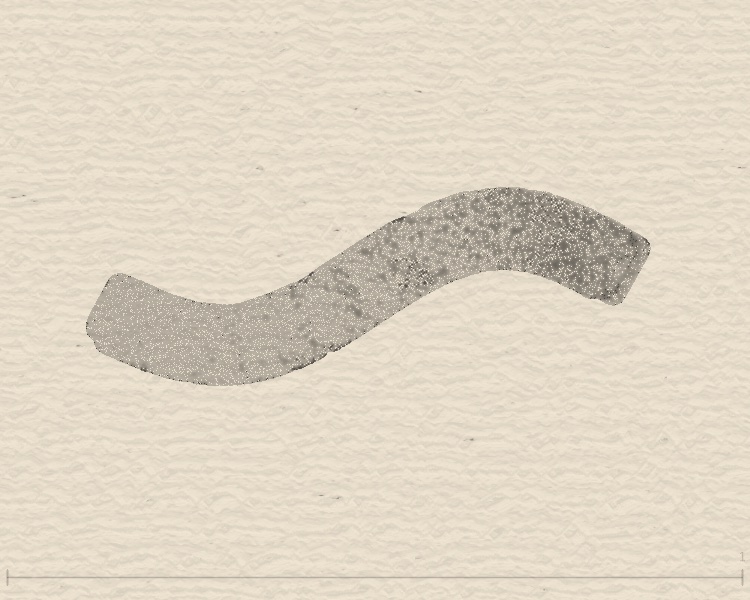
pathRotation controls how much noise perturbs stroke direction along the path:
| Mode | pathRotation | Effect |
|---|---|---|
| Mode 1 | 0 | No rotation; particles follow path |
| Mode 2 | 5–10 | Light perturbation, natural writing feel |
| Mode 3 | 10–25 | Strong twist; edges spread, wilder shape |
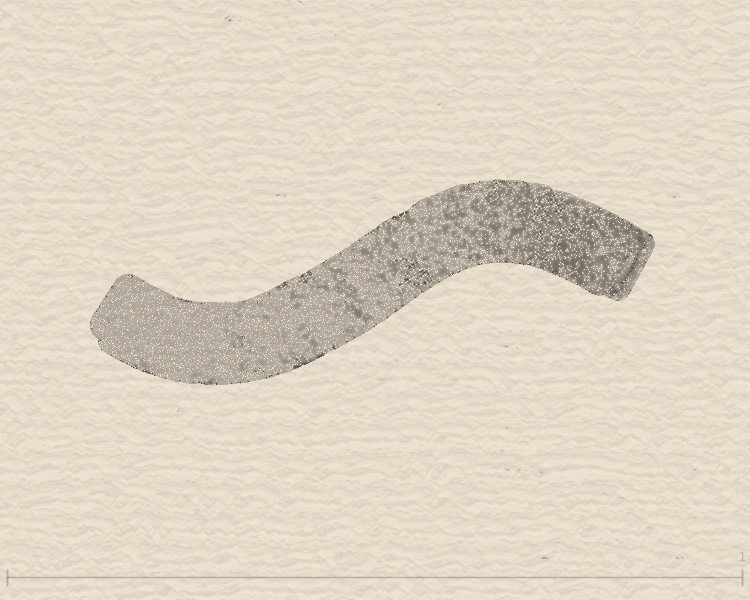
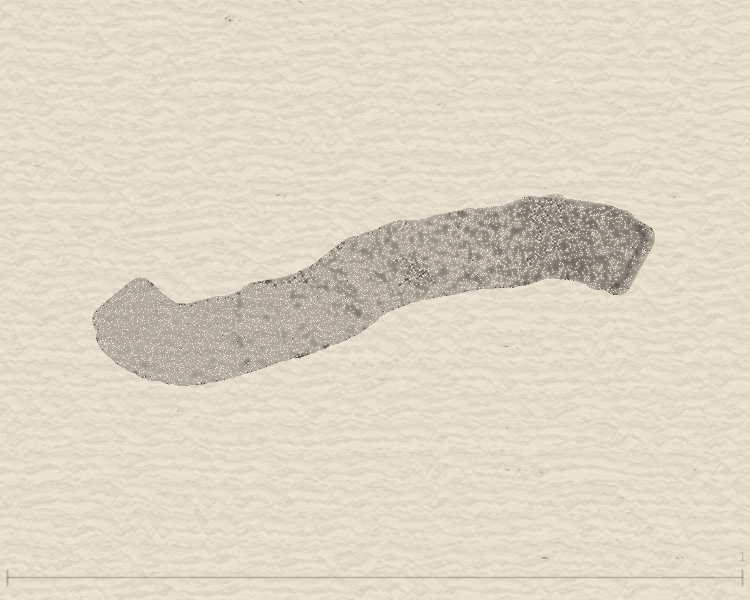
How it works
In the draw loop, each particle’s direction gets a Perlin-noise offset. pathRotation is the strength of that offset.
Flow Effect: eight blend types
Flow is InkField’s strongest post effect (see Effects). Below, each blendType on the same strokes:
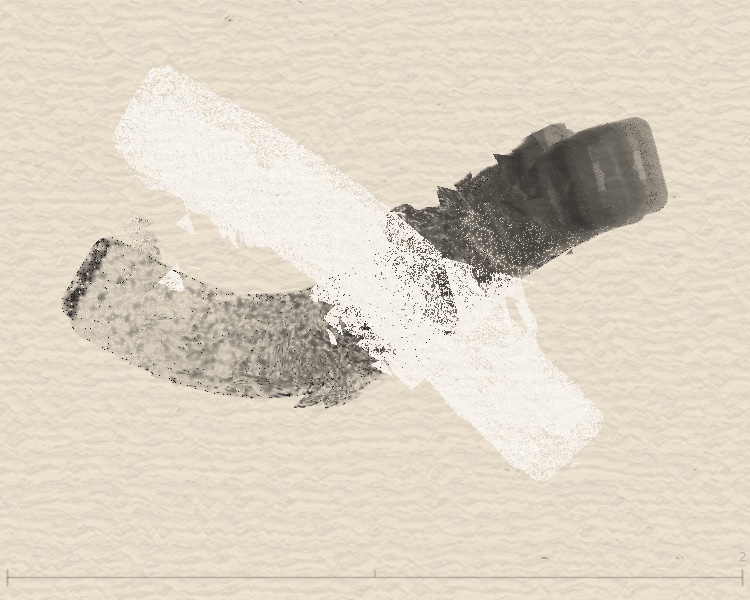
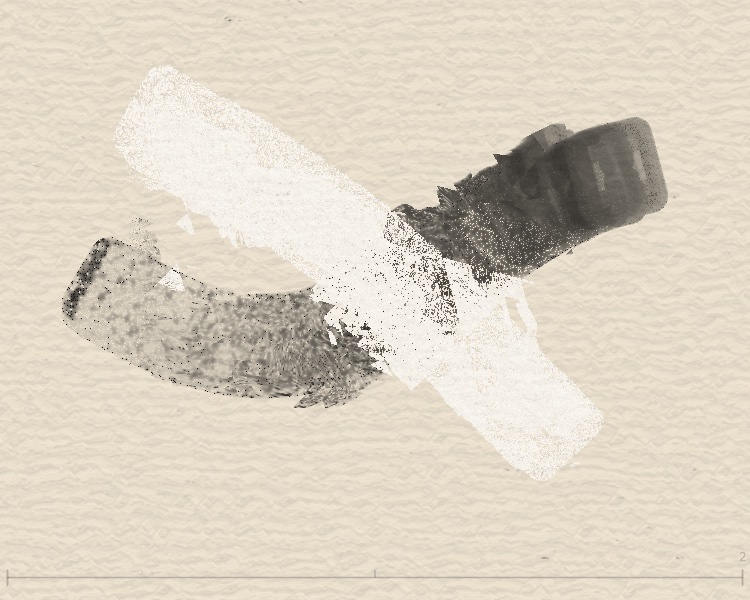
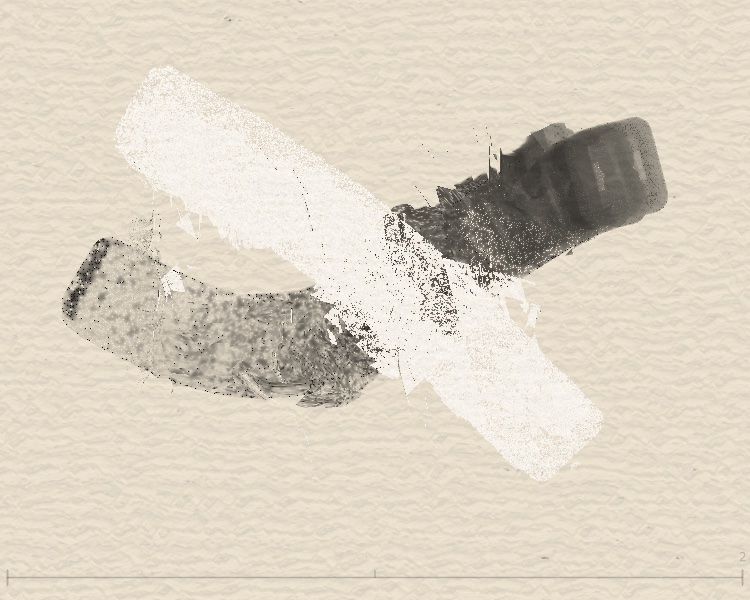
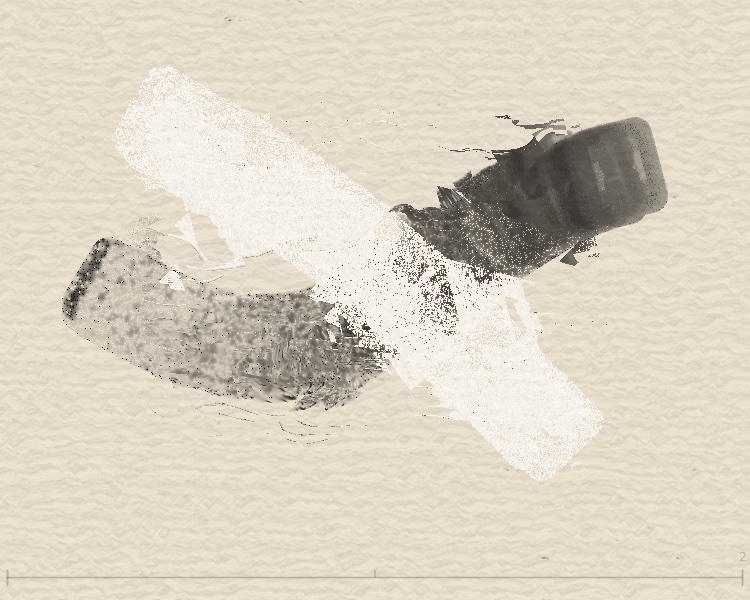
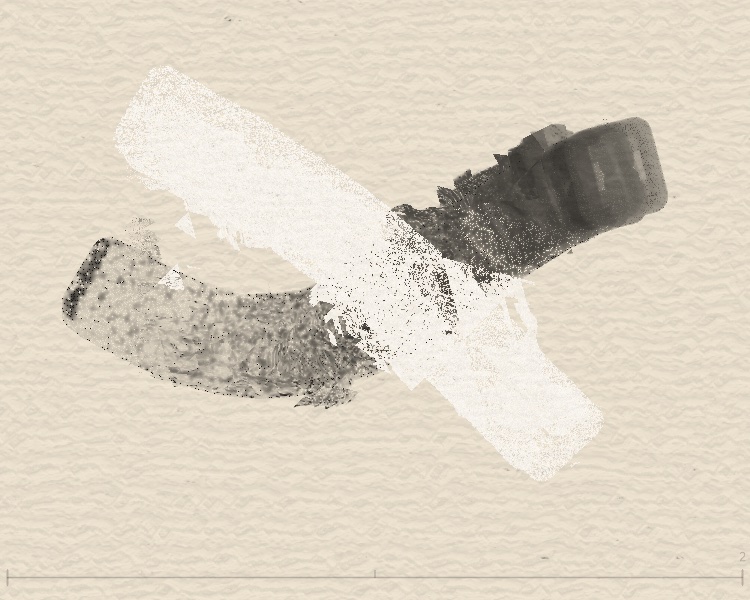
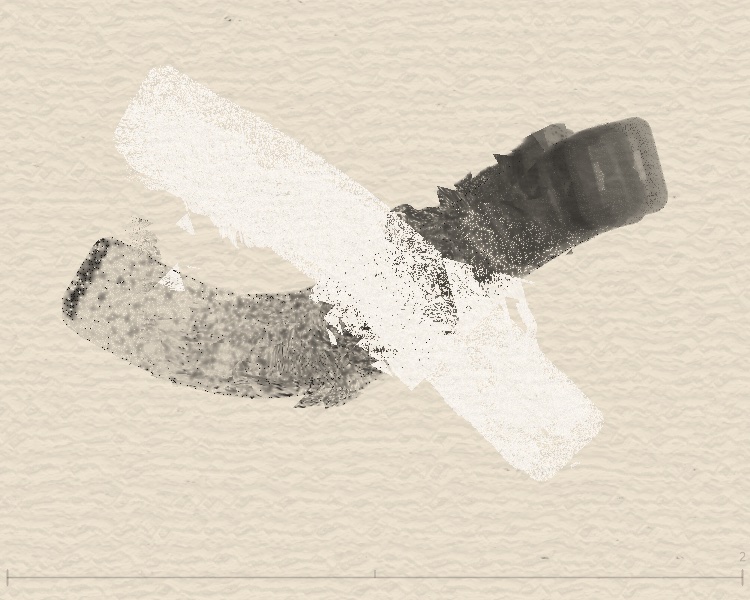
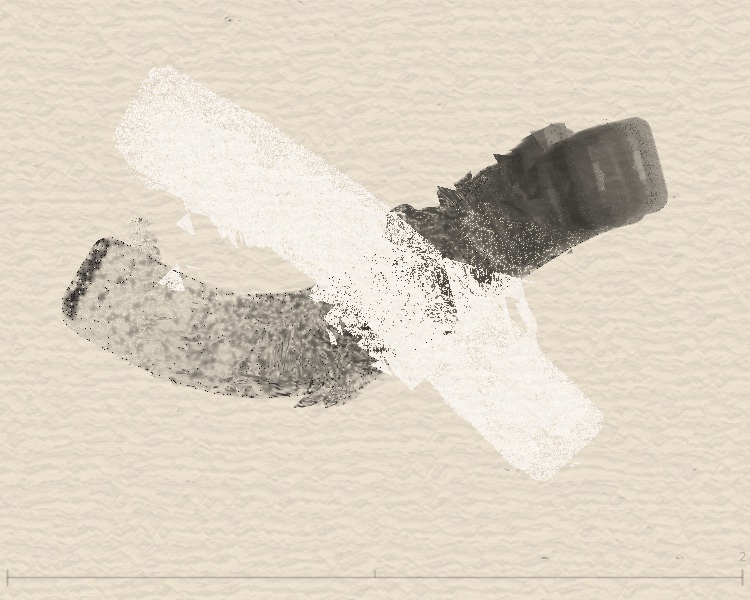
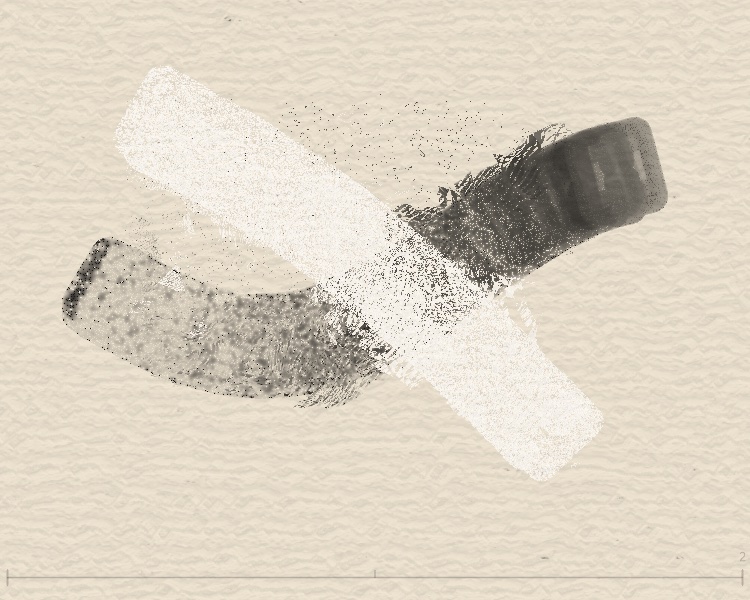
Per-type behavior
| blendType | Name | Displacement |
|---|---|---|
| 0 | Basic | Simplex noise + globalStyle strength |
| 2 | Concentric | Two random centers create radial ripples; uses mix() to override base noise—ripples dominate near centers, organic noise preserved at edges |
| 3/4 | Vertical/Horizontal | sin/cos/tan layers; directional texture |
| 5 | Crack Pattern | Dual-layer Voronoi/cellular noise; strong displacement at cell boundaries creates crack/fracture texture, base noise preserved inside cells |
| 6 | Mosaic | Canvas split into random-sized tiles, each with independent random offset—like broken tiles shifting apart, sharp grid boundaries |
| 7 | Vortex | Two vortex centers with polar rotation from original coords, Gaussian falloff—vortex dominates near centers, transitions to noise farther out |
| 8 | Cellular | Voronoi + Simplex; tissue-like |
Last Stroke Only: affect only the last stroke
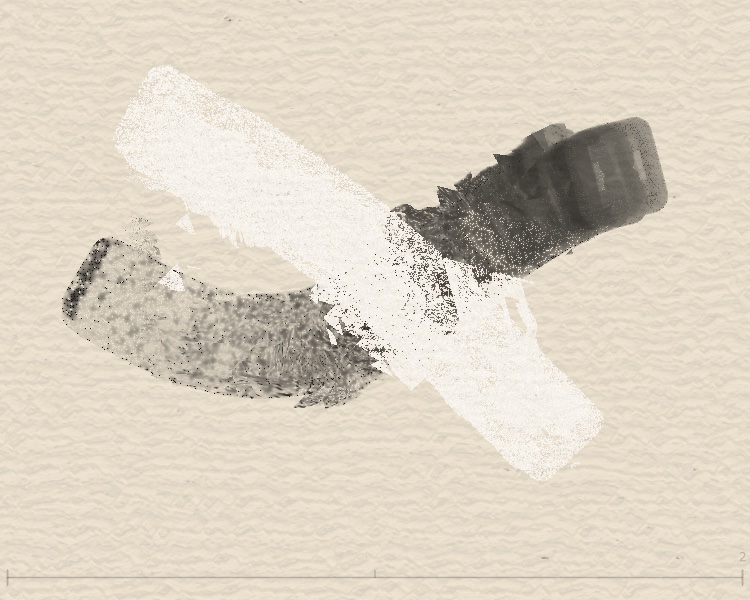
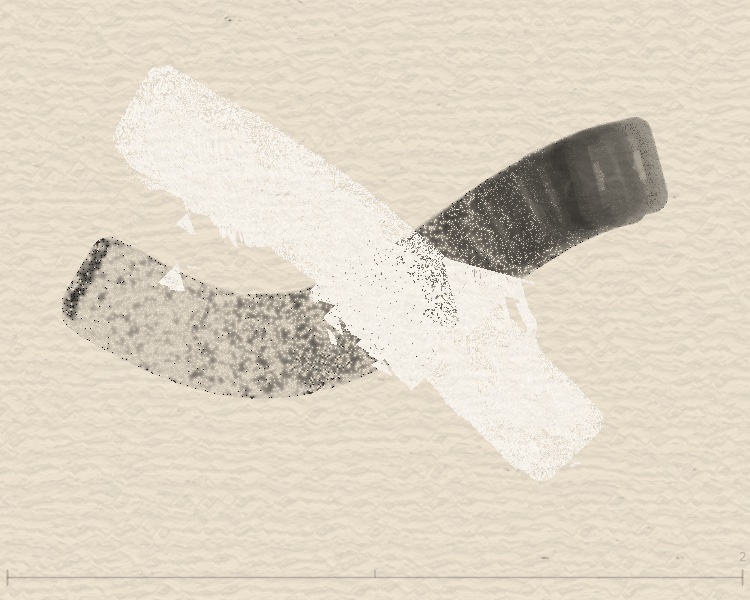
Implementation
When flowEffectLastStrokeOnly is true, flow.frag uses flowEffectStrokeBounds so only pixels inside the last stroke’s bounds are displaced.
When to use
- OFF: Full-frame effect—apply Flow once after all strokes.
- ON: Per-stroke control—each stroke gets its own flow while earlier strokes stay intact.
Spectral: pigment-accurate color mixing
Why spectral mixing?
RGB is an additive light model (red light + green light = yellow light), but pigments are subtractive (red pigment absorbs green light, yellow pigment absorbs blue light, leaving only orange). Using RGB Multiply to simulate pigment mixing makes complementary colors (like yellow + blue) turn near-black instead of the physically correct green.
Spectral mode solves this by expanding each color into a reflectance curve across 38 wavelengths (380nm–730nm), mixing in that space, and converting back to screen colors.
Three iterations
v1: Original Kubelka-Munk (failed)
Used spectral.js's KM formula with luminance weighting. Problem: bright colors dominated dark ones (yellow concentration 13× blue), and A/B tests showed no visible difference from Multiply.
v2: Flat KM (partial success)
Removed luminance weighting, used equal 50/50 KS-weighted mixing. Complementary colors worked (yellow + blue = green, red + blue = purple), but analogous colors failed (red + yellow = "more red," not orange).
Root cause: The KS function (1-R)²/(2R) produces extreme absorption coefficients at low reflectance. Red at green wavelengths: R≈0.05 → KS≈9.0; yellow: R≈0.9 → KS≈0.006. After averaging (KS=4.5) and inverting, reflectance is only 0.026—red's absorption completely overwhelms yellow's reflectance.
v3: Weighted geometric mean (current)
Replaced KM's KS/KM transform with a weighted geometric mean in reflectance space:
Two design decisions:
- Geometric mean over KM: Preserves subtractive character (wavelengths absorbed by both colors stay dark) without letting one color's extreme absorption dominate the other
- 0.35/0.65 weighting: The later-painted color has more influence on brightness—bright yellow over dark red produces a bright orange; dark red over bright yellow produces a dark orange. This matches the physical intuition that the top layer dominates appearance
Mixing results comparison
| Color pair | Multiply | Spectral |
|---|---|---|
| Yellow + Blue | Near-black | Green ✅ |
| Red + Blue | Near-black | Purple ✅ |
| Red + Yellow | Dark red | Orange ✅ |
Technical pipeline
Acknowledgments
Spectral reflectance coefficients and XYZ color matching data from spectral.js by Ronald van Wijnen (MIT License). Shader integration architecture inspired by p5.brush by Alejandro Campos (MIT License).